PDF to Audio Converter Online
Transform your PDF documents into lifelike audio with our advanced AI voices. Upload your PDF, select the pages you want to convert, choose from hundreds of natural voices, and generate high-quality audio files instantly.
Click and upload your PDF file.
PDF · Up to 50 MB · Up to 20,000 characters
Upgrade to unlock all voices, commercial use, and up to 500,000 characters per conversion.
500+ AI Voices
Choose from over 500 AI voices with regional accents and variations across 140+ languages. Find the perfect voice for your PDF content.
Smart PDF Processing
Our AI intelligently extracts text from PDFs while preserving document structure and readability, ensuring accurate audio conversion.
Flexible Plans
Choose the plan that matches your workflow. Create an account, convert PDFs, and generate high-quality audio with reliable performance.
High-Quality Audio
Download professional-quality audio in MP3 format. Perfect for studying, commuting, or sharing with others.
How It Works
Upload PDF
Upload your PDF file. Our system supports all standard PDF formats and automatically extracts the text content.
Select Pages & Voice
Choose which pages to convert and select from 500+ natural-sounding AI voices. Customize speed, pitch, and style to match your preferences.
Generate & Download
Click generate to convert your PDF to audio. Listen instantly or download the MP3 file for offline use on any device.
Ways to Use PDF to Audio
Listen to your PDFs instead of reading them. Here are some of the most popular ways users convert their PDF documents into engaging audio.
Study & Research
Convert textbooks, research papers, and study materials to audio so you can learn while commuting, exercising, or doing other tasks.
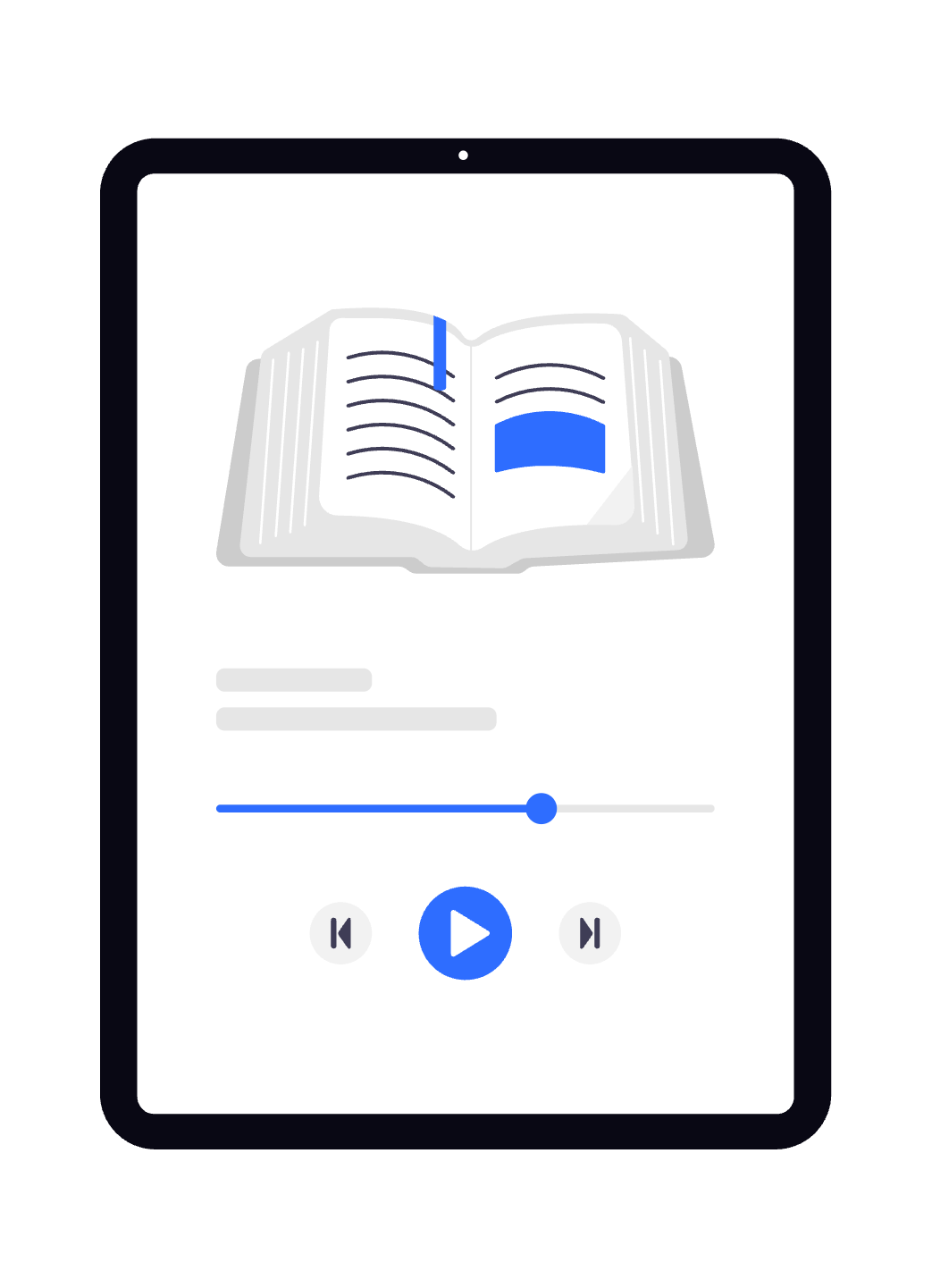
eBooks & Novels
Transform PDF eBooks and novels into audiobooks. Enjoy your favorite stories with natural-sounding narration.
Business Documents
Listen to reports, proposals, and business documents while multitasking. Perfect for busy professionals on the go.
Accessibility
Make PDF content accessible to visually impaired users or those with reading difficulties through high-quality audio conversion.
Language Learning
Improve pronunciation and listening skills by converting foreign language PDFs to audio with native speaker voices.
Content Creation
Convert PDF scripts, articles, or training materials into voiceovers for videos, podcasts, or presentations.